Find lost items now
Find your campus essentials with NavistFind
NavistFind unifies student reports, AI matches, and admin approvals so every lost-and-found journey feels effortless and transparent.
Active Mobile Users
95
Resolved pickups
1
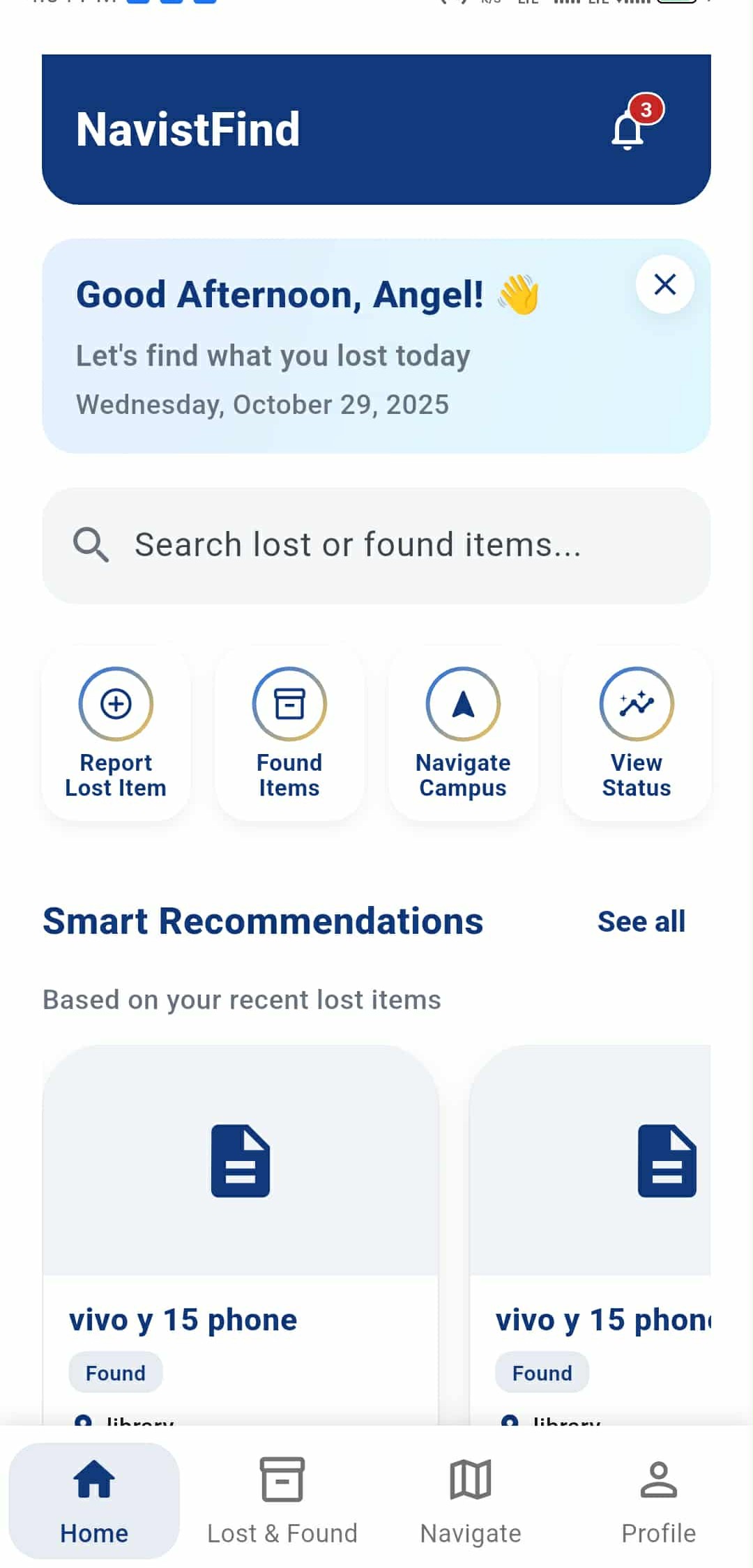
Mission-Ready Support for the Lost & Found Team
Students share what's missing, AI surfaces the leads, and admins authorize the reunions, all within a secure command center.
Students
Lost item reporting
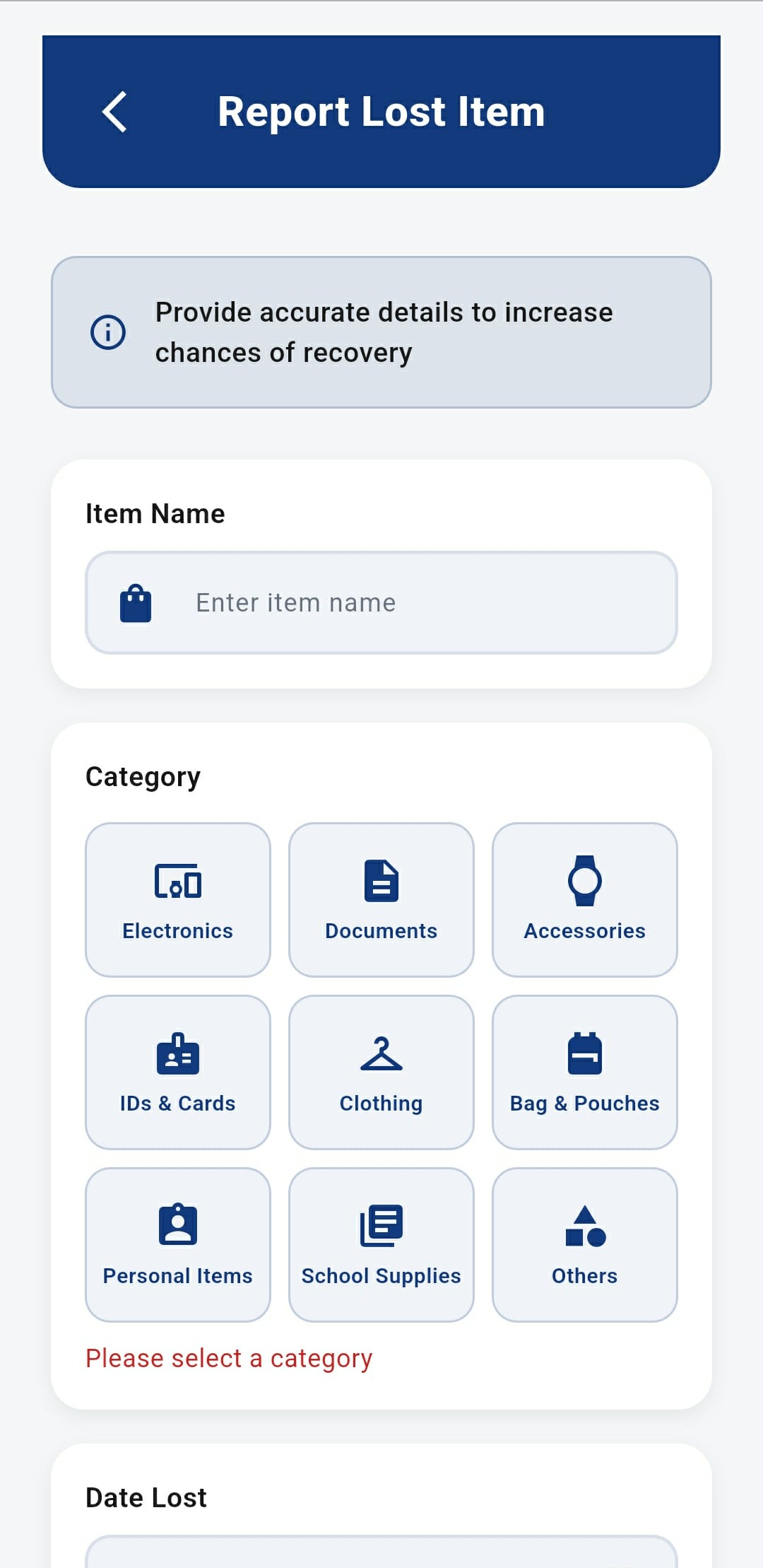
Students, teachers, staff, or parents can browse admin-posted found items and log what’s missing with item name, category, date, location, and a precise description.

AI Service
Smart recommendations
AI compares each lost report to admin-posted found items, notifies the highest-confidence match, and recommends other likely candidates right inside the app.

Admins
Accountable decisions
Approvals send pickup instructions plus AR navigation to the mobile user so they know exactly how to reach the office and collect the item after verification.

From lost alert to verified pickup
Each milestone keeps students informed while giving admins everything they need to make the handoff seamless.
Lost item reported
Students, teachers, staff, and parents can view every admin-posted found item and log what’s missing with item name, category, date, location, description, and proof.
AI matches suggested
AI instantly compares the lost post with found inventory, alerts the strongest match, and recommends alternates inside the app for one-tap review.
Claim submitted
Mobile users submit a claim with ID or receipt proof, locking the item into review while duplicates and conflicts stay flagged for admins.
Admin decision
Admins evaluate evidence side-by-side, apply approval templates, and log every action so the audit trail is effortless.
Pickup & archive
Approved students get push instructions plus AR navigation to the office, hand off the item, and archive the case.